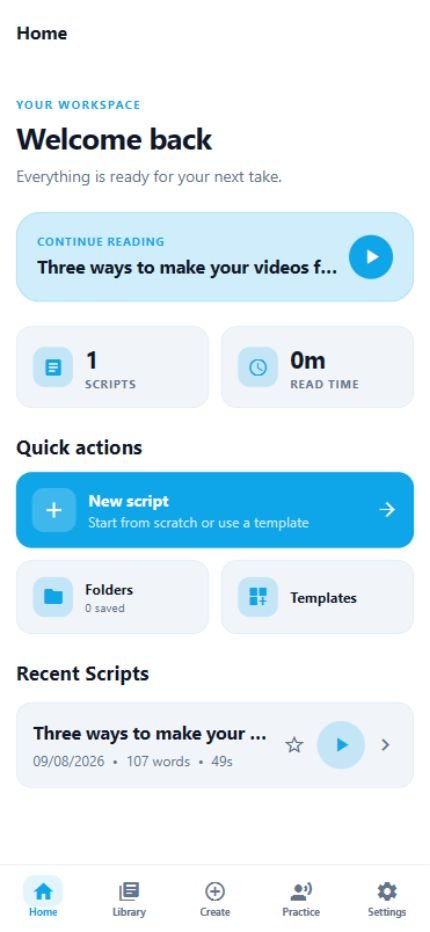
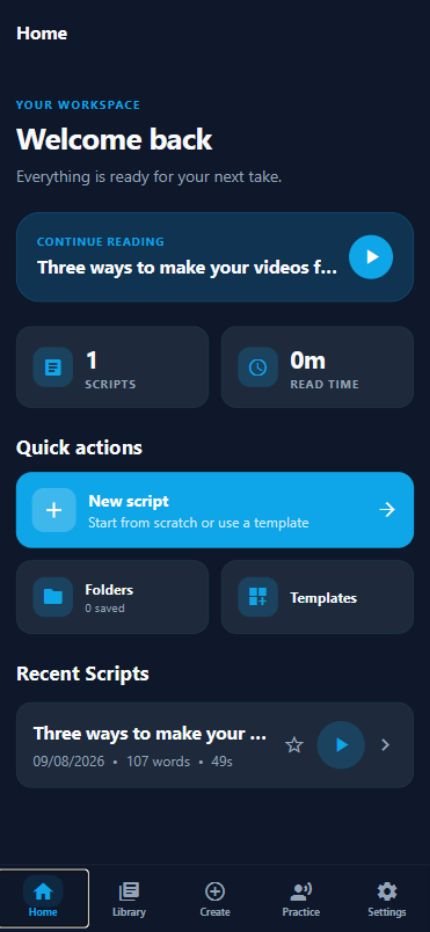
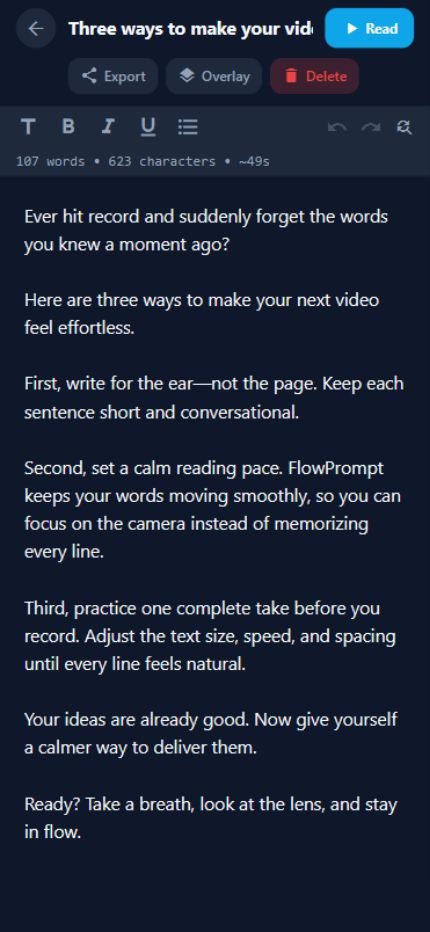
Keep your best camera. Add the words on top.
Float FlowPrompt over your original camera app with Android overlay or iPhone Picture in Picture—so you keep full camera quality instead of recording through a limited in-app camera.
The teleprompter that stays out of your way
FlowPrompt keeps your words moving at your pace, so you can look at the camera, sound like yourself, and finish the take with confidence.
Built for the moment you press record
Less second-guessing. Better delivery.
Everything in FlowPrompt is designed to quiet the mechanics of presenting, so your message gets the attention.
Float FlowPrompt over your original camera app with Android overlay or iPhone Picture in Picture—so you keep full camera quality instead of recording through a limited in-app camera.
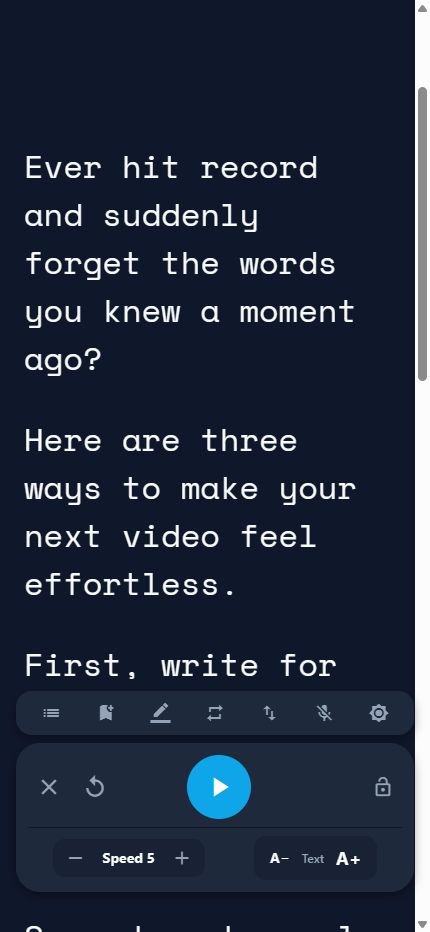
Fine-tune speed, text size, spacing, margins, and start delay until every line feels easy to say.
Turn on Voice Follow and FlowPrompt advances with your speech—pause when you pause, continue when you do.
Your scripts, folders, settings, and practice history stay on your device. No account. No loading your words from the cloud.
The whole workflow, in one calm place
FlowPrompt helps you prepare, organize, and deliver without turning a simple recording into a complicated production.
Simple on purpose
No setup maze. No new workflow to learn. FlowPrompt gets you from a blank page to the first line quickly.
Start fresh, choose a template, paste a draft, or import a TXT or Markdown file.
Set the pace, font, spacing, colors, and margins for the room and the way you speak.
Use the immersive reader, Voice Follow, Android overlay, or iPhone PiP and focus on the person watching.
Made for the person speaking
FlowPrompt doesn’t try to become your camera, editor, or content strategy. It does one job beautifully: helping you say what you came to say.
Good questions
Still wondering if FlowPrompt fits your setup? Here are the things people usually want to know first.
Visit supportYou can try FlowPrompt Pro free for 7 days. Before you confirm, your App Store or Google Play checkout shows the plan, renewal date, and price. You can manage or cancel a subscription from your store account.
No. FlowPrompt works without an account. Your scripts and settings are saved locally on your device.
Yes. Core writing, organization, practice, and teleprompter features are offline-first. Store purchases and subscription status may occasionally require a connection.
No—and that’s the advantage. FlowPrompt stays over your original camera app using a floating Android overlay or iPhone Picture in Picture, so you keep the camera controls and video quality your phone was designed to deliver.
Voice Follow listens only while you turn it on and uses your device’s speech-recognition service to follow your pace. FlowPrompt does not save your audio or add it to your scripts.
FlowPrompt is designed for modern iPhone and Android phones. Android uses a floating overlay, while iPhone uses Picture in Picture so you can keep prompting over your preferred camera app.
Your next take can feel easier
Try every FlowPrompt Pro feature free for 7 days. Keep your eyes up, your pace steady, and your delivery in flow.
7 days free · Plans shown clearly in the app · Cancel subscriptions in your store settings